
How can I share my cellular connection through wired Ethernet?
Connectify Hotspot PRO or MAX can turn your computer into a wired Ethernet router. This lets you share any Internet connection, including Wi-Fi or 3G/4G/LTE, with an Ethernet-only device. Wired router needs Hotspot PRO or MAX, and so does sharing a 3G/4G connection that Windows lists as cellular or mobile broadband. Once you install and activate your Connectify software, just follow these simple steps:
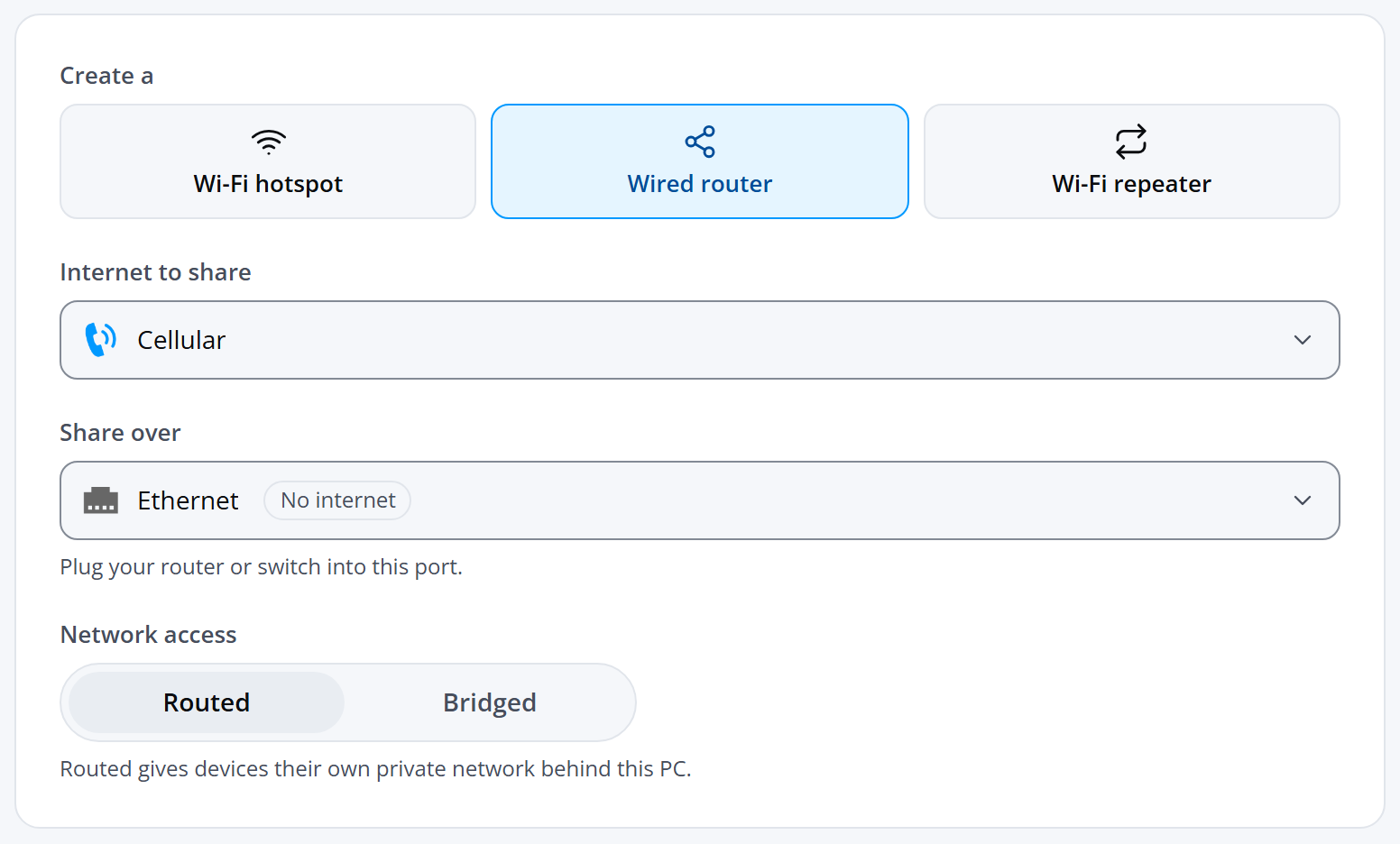
- Open Connectify Hotspot. On the Hotspot screen, under Create a, choose Wired router.
- Under Internet to share, choose your 3G / 4G / LTE cellular connection. This is usually a 3G / 4G / LTE USB adapter or your tethered phone.
- Under Share over, choose the Ethernet port your device is plugged into. This is the port Connectify Hotspot shares the internet to, so it can't be the connection you chose under Internet to share.
- Leave Network access on Routed. Bridged isn't available on 3G/4G connections.
- Click Start hotspot.
You can purchase Connectify Hotspot PRO / MAX here: https://www.connectify.me/store/.